
QuickBooks Desktop · Comparison
Pro vs Premier vs Accountant
Three QuickBooks Desktop editions, one accounting engine. Compare features side-by-side and pick the edition that fits your team, your inventory and your growth.
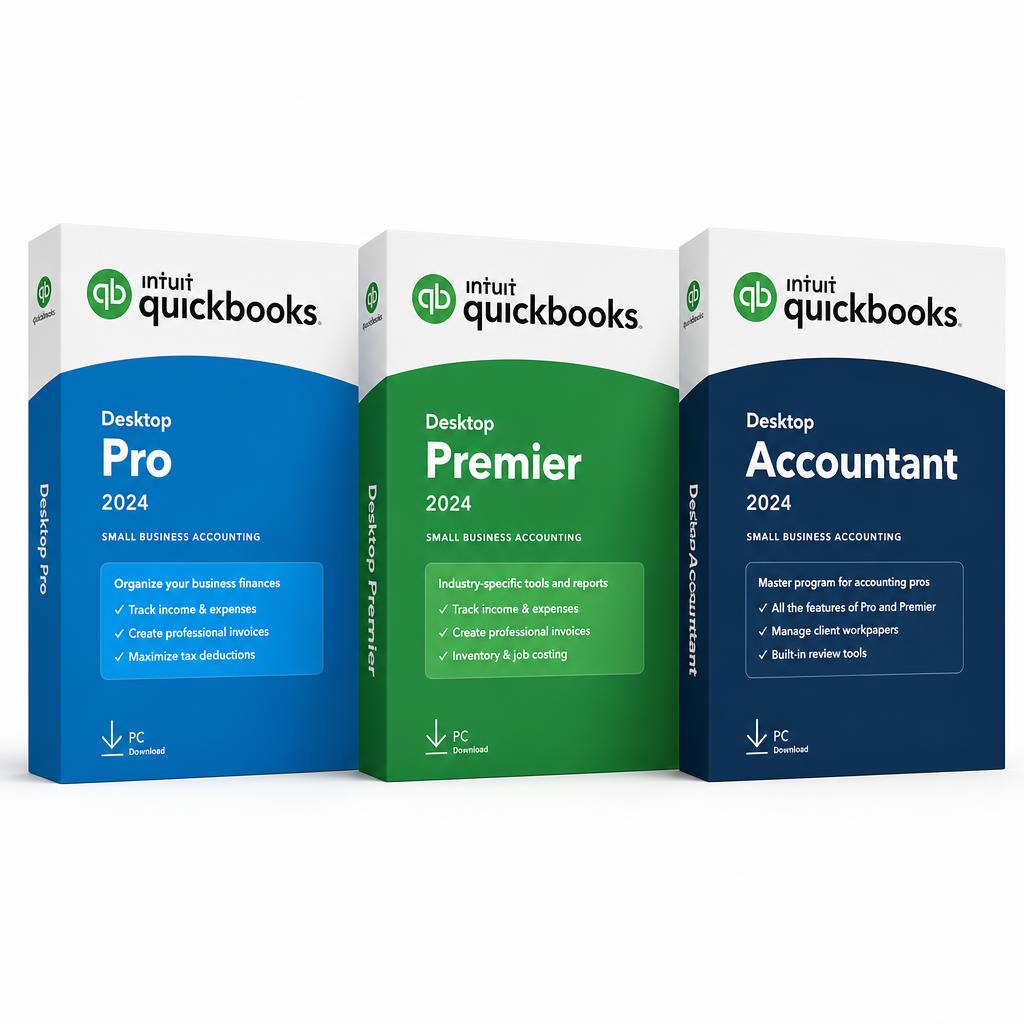
QuickBooks Desktop
Pro
Small business essentials: invoicing, banking, VAT — for 1–5 users.
Learn more →QuickBooks Desktop
Premier
Pro + advanced inventory, sales orders, price lists and industry reports.
Learn more →QuickBooks Desktop
Accountant
All features + batch entry, 30 users, open two companies at once.
Learn more →Feature comparison
Side-by-side breakdown
| Feature | Pro | Premier | Accountant |
|---|---|---|---|
| Maximum users | 1 – 5 | 1 – 5 | Up to 30 |
| Sales, debtors & invoicing | ✓ | ✓ | ✓ |
| Bills, creditors & banking | ✓ | ✓ | ✓ |
| VAT for Mauritius | ✓ | ✓ | ✓ |
| Inventory tracking | Basic | Advanced | Advanced |
| Sales orders & purchase orders | — | ✓ | ✓ |
| Detailed price lists by item | — | ✓ | ✓ |
| Bill of materials / assemblies | — | ✓ | ✓ |
| Industry-specific reports | — | ✓ | ✓ |
| Class tracking | — | ✓ | ✓ |
| Batch transaction entry | — | — | ✓ |
| Batch bills, cheques, invoices | — | — | ✓ |
| Open two companies at once | — | — | ✓ |
| Accountant Centre & Toolbox | — | — | ✓ |
| Budgets & cashflow projections | — | — | ✓ |
Not sure which one is right?
A 10-minute call with a Quick Focus specialist will narrow it down — based on your team size, inventory, VAT setup and reporting needs.